
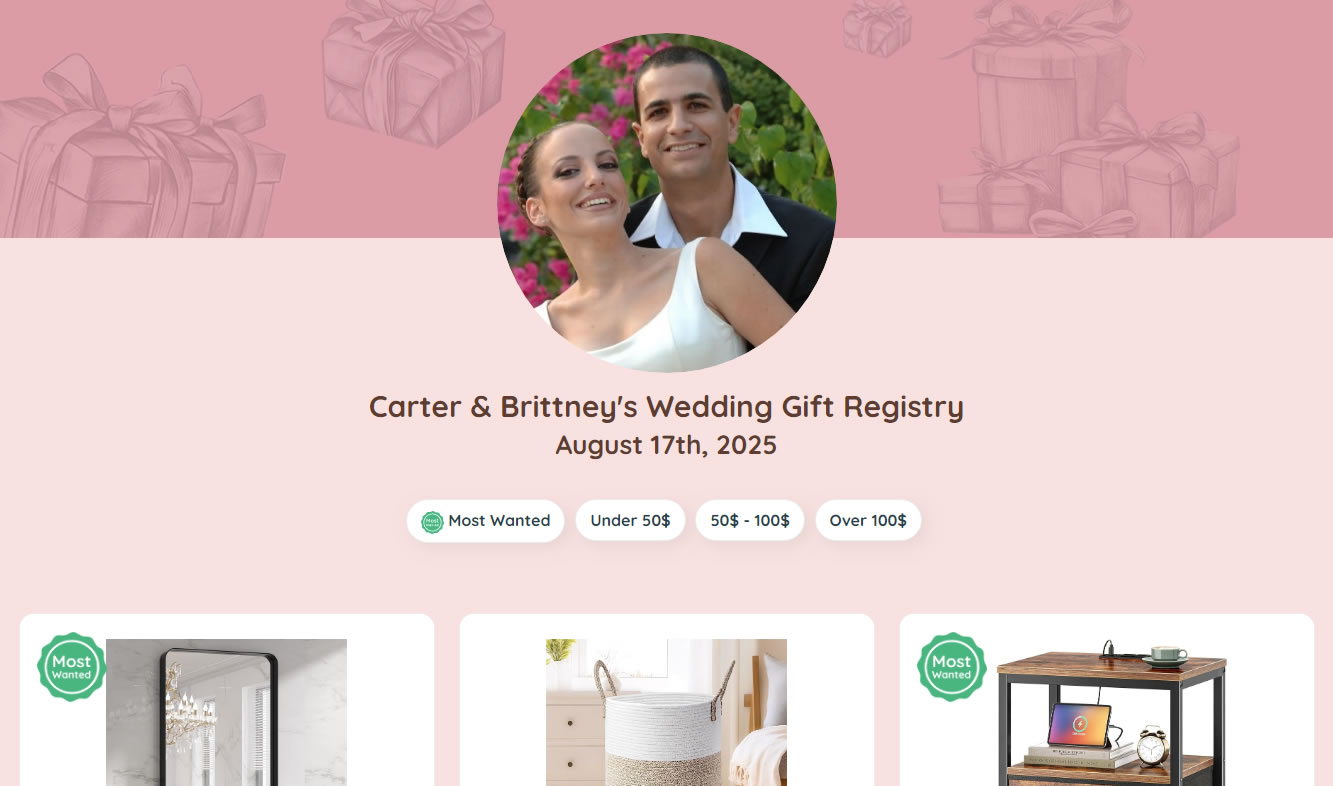
At ListedGifts, we understand that planning events can be both exciting and overwhelming. One of the key elements to ensuring your event runs smoothly is setting up a gift registry. Whether you’re planning a wedding, a birthday party, a baby shower, or any other celebration, a gift registry can streamline the process and make gift-giving enjoyable for both you and your guests.
With the ListedGifts button, you can add items from many online stores to your gift registry by saving the product link while you browse.
Create your registry, add gifts as you browse online, then share one simple link with guests. Keep a mix of budgets and categories so everyone can choose easily.
Step-by-step: Create your gift registry
- Click on the “Create a registry” button Create a new registry.
- If you don't already have an account you can use Google Sign Up method or just type in your email address.
- In new registry creation process will ask you some details about your event like the name of your event, the event date and a brief description to inform your guests about the occasion.
Add gifts while you browse
- Add the “Add to ListedGifts” button to your browser. (Tip: once installed, you can add gifts while browsing any store by saving the product link.)
- Browse your favorite online stores.
- Click “Add to ListedGifts” button on every desired item online page.
Share your registry with guests
- Once you’ve added all your desired items, review your registry to ensure everything is correct.
- Share your registry with guests by copying the link and sending it via WhatsApp, text, email, invitations, or your event website.
Pro Tips
Wondering what to add?
Check out our guide on the most popular tech items on baby registries (like smart socks and monitors).
Frequently Asked Questions
How long does it take to create a gift registry?
Most people can create a registry in a few minutes, then add gifts as they browse online.
Can I add gifts from different online stores?
In most cases, yes. You can add gifts from many online stores by saving product links into your registry.
How do I share my registry with guests?
Copy your registry link and share it by WhatsApp, text, email, or your event website.
Related Guides
How to Create a Free Gift Registry in Minutes
A step-by-step setup checklist to get your registry live quickly.
Best Universal Gift Registry Websites
Best Universal Gift Registry Websites to Add Gifts from Any Store (2026 Guide)
Why Choose a Universal Gift Registry
Understand the benefits and tradeoffs compared to store registries.